


Getting Started - Receive Money
Receive Money is Brick's payment collection product for businesses that need to accept customer payments through multiple channels. It acts as a payment aggregation layer for Virtual Account bank transfers, QRIS / QR Code payments, Ewallet payments, and hosted Checkout Page sessions.
Use Receive Money when your system needs to create payment channels, show customers how to pay, receive payment status callbacks, reconcile incoming transactions, and settle collected funds into your Brick account balance after the applicable settlement schedule.
What You Can Do With Receive Money
- Create Virtual Account payment flows for bank transfer collection.
- Generate QRIS / QR Code payment flows for QR-based collection.
- Create one-time Ewallet payment links through supported redirect flows.
- Create hosted Checkout Page sessions and share a
checkoutUrlpayment link. - Receive callback notifications when payment status changes.
- Track payment status for reconciliation and customer support.
Available Receive Money Methods
Brick offers multiple ways to collect payments through dashboard workflows or API integrations.
1. Checkout Page
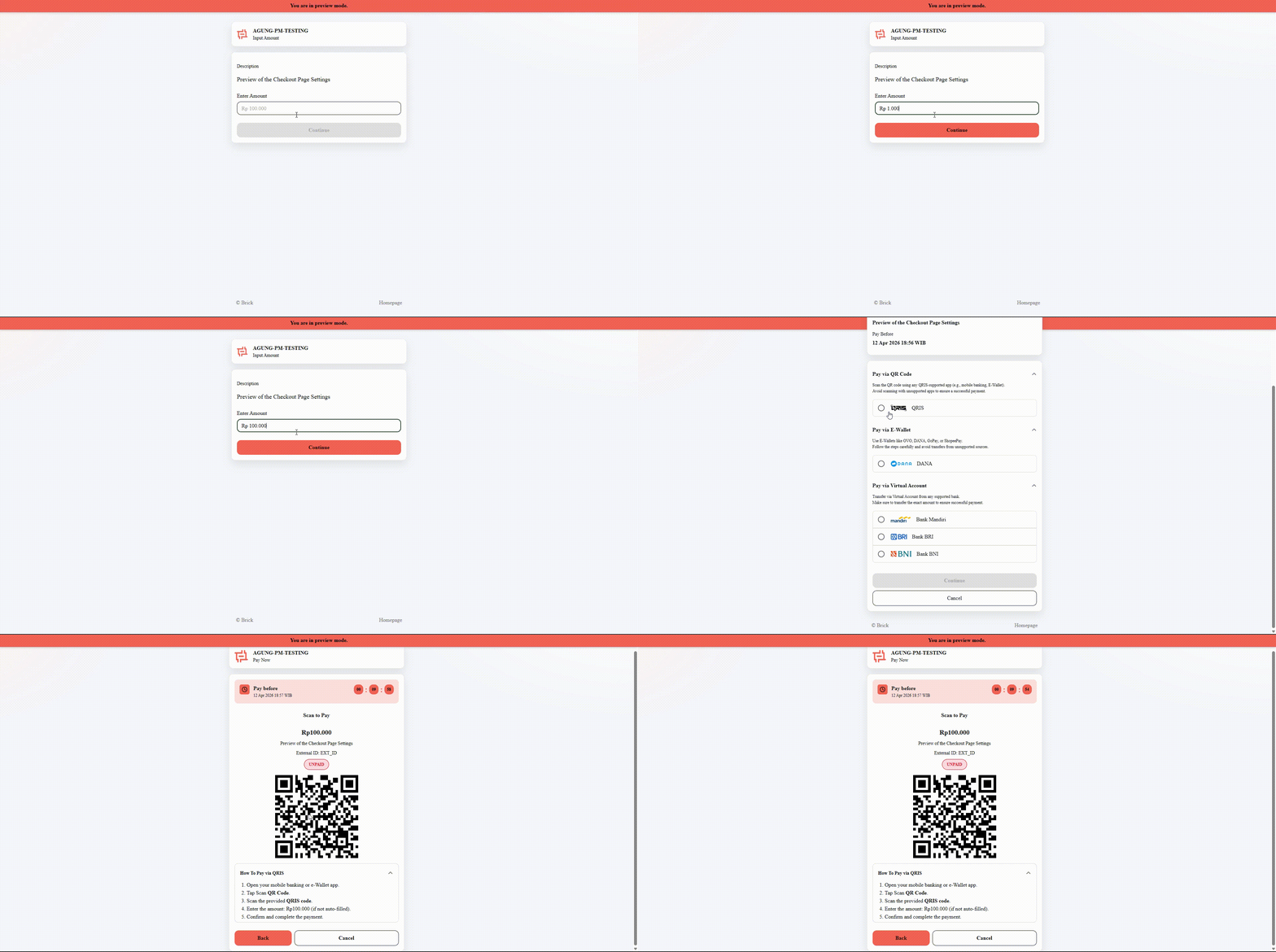
Checkout Page is a hosted Brick payment page. Your system creates a checkout session through API, and Brick returns a shareable checkoutUrl payment link while page styling and behavior are managed from the Brick Dashboard. Key features include:
-
Create a checkout session through API
-
Retrieve a shareable
checkoutUrlfor payment -
Configure page title, colors, and logo
-
Set redirect URLs for payment flow handling
-
Manage published key and embed domain rules
-
Support payment flows for web, chat, invoice, or customer support use cases
This option is suitable for businesses that want a ready-to-use checkout experience without building their own payment selection UI.
2. Virtual Account (VA)
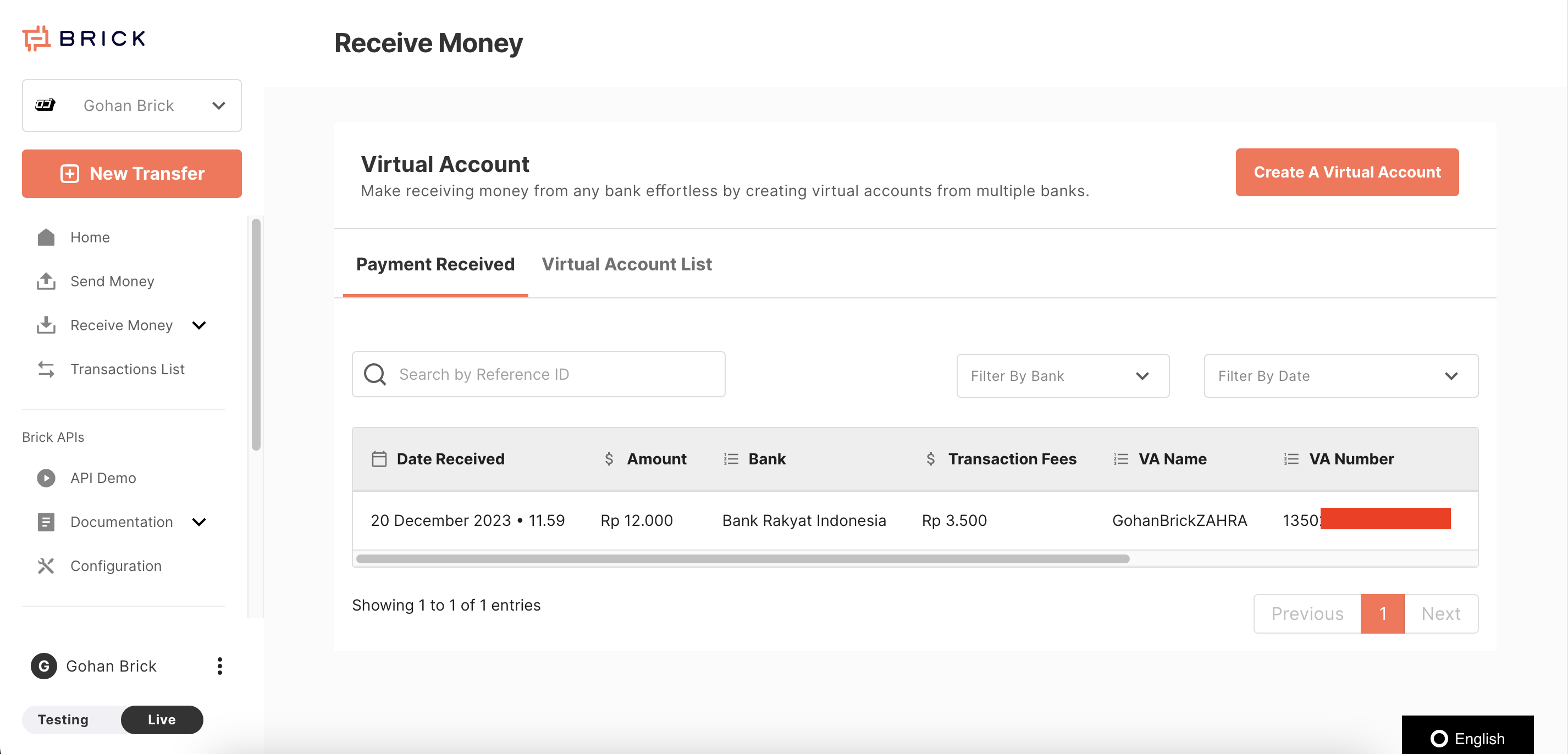
Virtual Account is a generated bank account number used to receive and reconcile customer bank transfer payments. Customers send payments from banking apps, internet banking, or ATM channels to the assigned VA number.
You can create virtual accounts via:
- Dashboard
- API
We support two types of virtual accounts:
- Open VA – Accepts any amount
- Closed VA – Accepts only a predefined amount
Learn more in the Virtual Account section.
3. QRIS / QR Code
QRIS / QR Code is Indonesia's standardized QR payment flow. Brick supports QRIS collection through reusable static QR codes and one-time dynamic QR codes.
You can generate two types of QR codes:
- Static QR Code – Can be reused, but the customer enters the amount manually.
- Dynamic QR Code – One-time use, with a predefined payment amount.
Dynamic QR Code is currently available via API only.
Static QR Code can be created once and reused for multiple transactions.
Learn more in the QRIS / QR Code section
4. Ewallet Payment
Ewallet Payment is a one-time redirect flow that lets customers authorize a payment through a supported Ewallet app using OTP or PIN. Use it for mobile-first payment flows that do not require persistent account linking.
Key features include:
- Secure redirection-based payment flow
- Support for one-time payments
- Customer authorization through OTP or PIN
- No need for persistent account linking
- Real-time payment status updates
- Callback notifications for transaction status
- Transaction records available in the dashboard
This option is suitable for businesses that want an Ewallet checkout option for mobile users.
Learn more in the Ewallet section
Prefer to integrate Receive Money via API? See the API Guide