Static QR Code is a Brick QRIS payment flow for reusable merchant QR payment acceptance. Use Static QR Code when the same QR code should accept multiple customer payments and customers can enter the payment amount themselves.
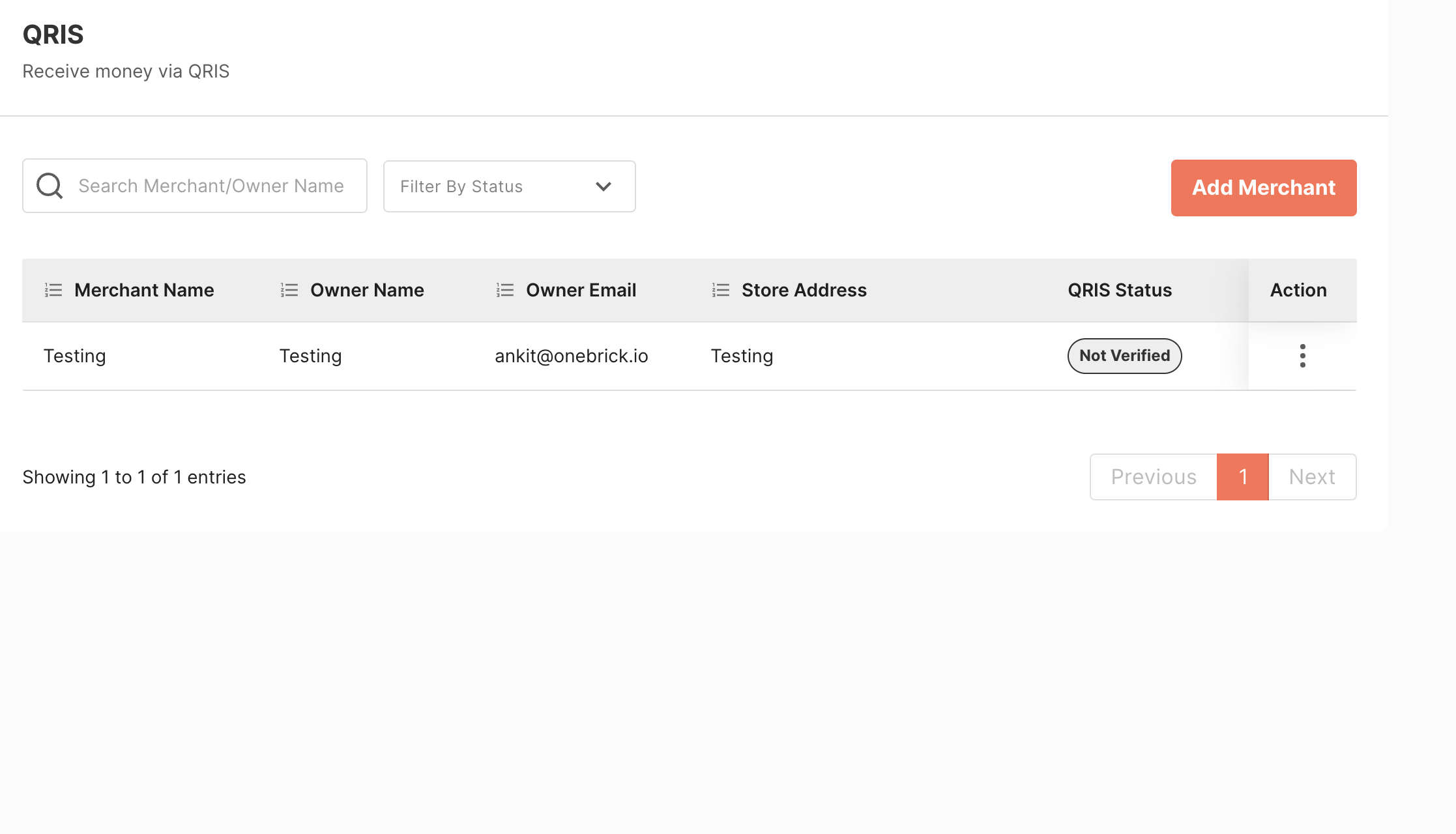
Before using Static QR Code, create and verify a QR Code merchant. See Registering for QR Code, then follow the process below.
1. Generating a Static QR Code
Generating a Static QR Code is a one-time process.
You can download the Static QR Code from the merchant list page by opening the action menu for the merchant. Static QR Code can be downloaded after the merchant is verified.
2. Callback Notification
Brick notifies you when the user has made the payment through callbacks. QR Code callback setup is handled with the Brick team or in the Brick Dashboard, depending on your account setup.
The callback will be received once payment is made by the end user.